

Description
One Way PoE Splitter – Separate Power and Data for Non-PoE Devices
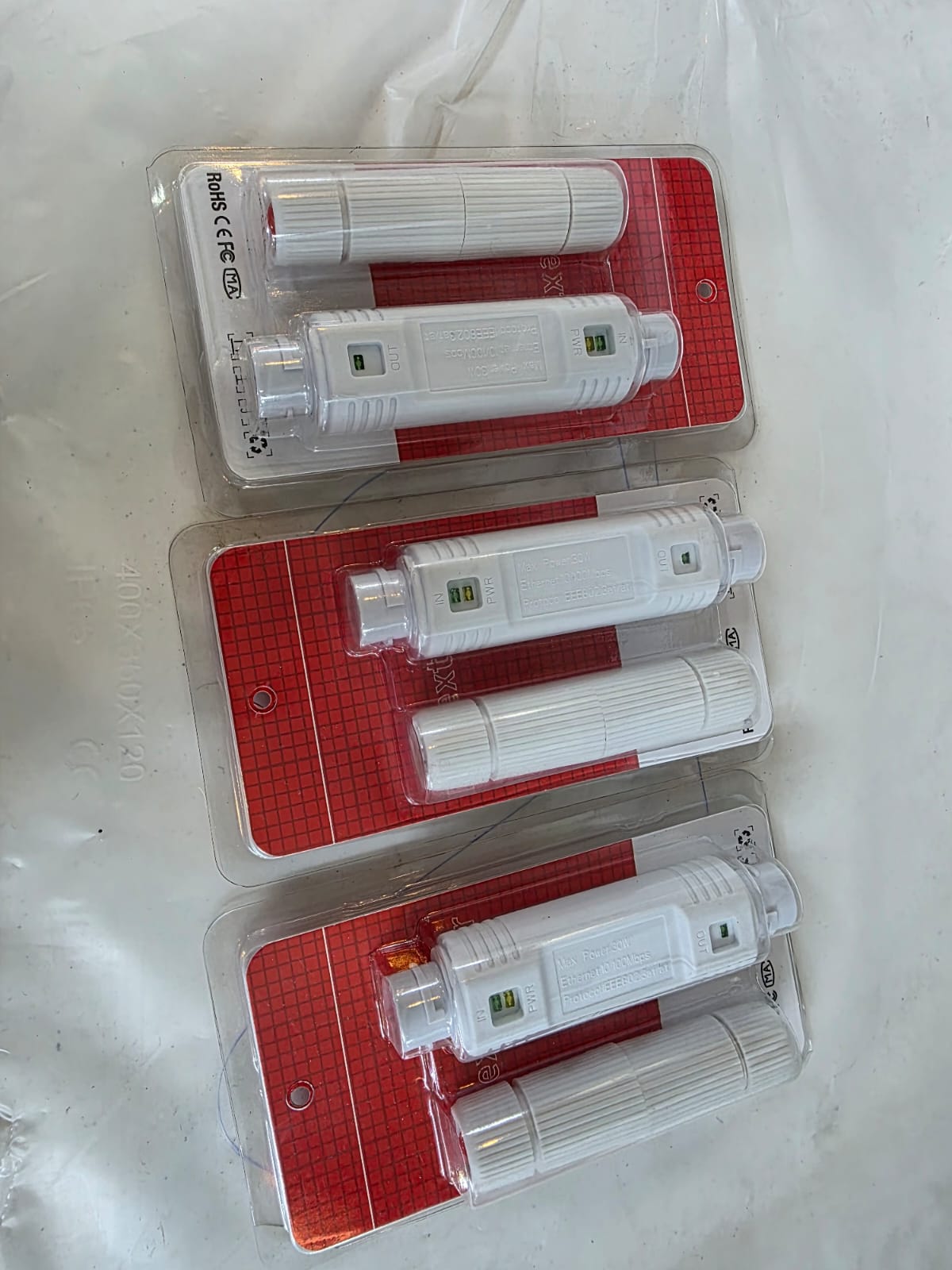
The One Way PoE Splitter is a compact and efficient networking accessory that allows you to separate power and data from a PoE (Power over Ethernet) connection, enabling non-PoE devices to be powered through a single Ethernet cable. Ideal for IP cameras, access points, or other network devices that don’t support PoE directly, this splitter simplifies installations and reduces cabling requirements.
By using a PoE splitter, you can deliver both electrical power and network connectivity to your device over a single cable, then split them into separate outputs—typically RJ45 for data and DC plug for power—right before the device. This helps avoid running separate power lines, saving both time and installation costs.
Simplified Cable Management
With the One Way PoE Splitter, there’s no need to install additional electrical outlets near your network devices. You can run a single Ethernet cable from a PoE switch or injector to the splitter, which then provides the correct power output alongside the data connection.
Wide Device Compatibility
The splitter is compatible with a variety of devices, including:
-
Non-PoE IP cameras
-
Wireless access points
-
Network routers and switches
-
IoT devices and smart home hubs
It’s particularly useful when upgrading an existing network with PoE capability while still using older devices that only accept DC power input.
Easy Plug-and-Play Installation
No software or configuration is required. Simply connect the incoming PoE cable to the splitter’s input port, then connect the output Ethernet to your device’s LAN port and the DC output to its power port. The splitter automatically adjusts the incoming PoE voltage to match your device’s requirements.
Reliable Power Delivery
The One Way PoE Splitter supports IEEE 802.3af and sometimes 802.3at standards (depending on the model), ensuring stable and safe power delivery. Common output voltages include 5V, 9V, or 12V, making it suitable for a wide range of electronics. Built-in protection circuits help guard against overload, short circuits, and voltage spikes.
Ideal for CCTV and Networking Installations
In surveillance setups, the splitter can power a non-PoE camera while still providing it with a fast, stable data connection. This is especially useful for locations far from a power source, as both power and data are carried through a single network cable until the final connection point.
Technical Specifications (Typical Model)
-
Input: IEEE 802.3af/at PoE via RJ45 (44–57V DC)
-
Data Output: RJ45 Ethernet port
-
Power Output: DC barrel plug (5V/2A, 9V/1.5A, or 12V/1A depending on model)
-
Data Rate: 10/100Mbps or 10/100/1000Mbps (model dependent)
-
Cable Length: ~15–20cm pigtail leads
-
Operating Temperature: -10°C to 50°C
-
Safety Features: Over-voltage, over-current, short-circuit protection
Benefits of Using a PoE Splitter
-
Cost savings – Avoids the need for separate electrical wiring.
-
Flexibility – Install devices in areas without nearby power outlets.
-
Compatibility – Allows use of non-PoE devices in PoE-enabled networks.
-
Reliability – Delivers stable power and network data simultaneously.
How It Works
-
Incoming PoE Cable: Carries both power and network data from a PoE source.
-
PoE Splitter: Separates the power and data into two outputs.
-
Device Connection: Data goes to the device’s Ethernet port, power goes to its DC input.
This simple process is what makes the One Way PoE Splitter a favorite among CCTV installers, IT technicians, and home network enthusiasts.
Why Choose the One Way PoE Splitter?
For installers and DIY users, this splitter offers a simple, affordable, and effective way to integrate non-PoE equipment into modern PoE networks. It’s small, lightweight, and designed for easy mounting in tight spaces, making it perfect for discreet installations.
Whether you’re setting up a home office, expanding a security system, or deploying IoT devices across a commercial site, the One Way PoE Splitter ensures you get power and data exactly where you need it without unnecessary cabling.


Reviews
There are no reviews yet.